Construction sites are unpredictable. Even with strict protocols, one misstep—often preventable—can lead to injury, downtime, or regulatory penalties. That’s where toolbox talks come in. These short, focused safety discussions aren’t just routine—they’re frontline defenses. And for contractors, supervisors, and safety officers, having a reliable set of construction site toolbox talks PDF resources isn’t optional. It’s operational necessity.
Yet too many teams still rely on impromptu chats or outdated handouts. The real advantage? A library of downloadable, printable, and customizable PDFs that turn safety conversations from afterthoughts into structured, consistent, and compliant sessions.
Here’s how to build, use, and optimize toolbox talks PDFs that actually work on real job sites.
Why PDFs Dominate Toolbox Talk Delivery
Digital formats come and go, but PDFs remain the standard for construction safety documentation—and for good reasons.
- Universal access: Openable on smartphones, tablets, or printed on the spot. No special software needed.
- Consistency: Ensures every crew member hears the same message, reducing miscommunication.
- Audit-ready: Maintains a clear paper trail for OSHA, insurance, or client reviews.
- Offline usability: Critical on remote or underground sites where connectivity fails.
A well-designed PDF doesn’t just relay information—it guides the discussion. It includes talking points, visual cues, space for attendance logs, and action items. That’s the difference between a chat and a documented safety intervention.
Common mistake: Using a generic PDF with no site-specific context. A talk about ladder safety on a high-rise project should differ from one on a residential retrofit. Always adapt the template.
Core Elements of an Effective Toolbox Talk PDF
A strong construction site toolbox talks PDF isn’t just a text dump. It’s a structured, interactive document built for engagement and retention.
#### 1. Clear Title and Topic Scope
not “Safety Talk #3”
#### 2. Objective Statement One sentence stating the purpose: “This session covers identifying blind spots, signaling protocols, and PPE requirements during crane lifts.”
#### 3. Discussion Points (3–5 Key Ideas) Break down the hazard into manageable segments: - Common causes of struck-by incidents - Roles of signal person and operator - Exclusion zone setup - Emergency response steps
#### 4. Visual Aids Diagrams, icons, or photos showing proper vs. unsafe practices. A simple sketch of a crane swing radius improves understanding more than 200 words.
#### 5. Engagement Prompts Questions like: - “Has anyone here witnessed a near-miss during lifting?” - “What would you do if a worker entered the exclusion zone?”
These turn passive listeners into active participants.
#### 6. Attendance and Sign-Off Section Legal and practical necessity. Include: - Date, time, location - Supervisor name - Crew signatures (or printed names if digital) - Space for comments or follow-ups
Without sign-offs, the talk may not count as completed during an audit.
Top 5 Sources for Reliable Toolbox Talks PDFs
Not all free PDFs are created equal. Many lack depth, regulatory alignment, or usability. The best ones combine OSHA compliance, practical examples, and clean formatting.
.jpg)
Here are five trusted sources for construction site toolbox talks PDFs:
| Source | Key Features | Best For |
|---|---|---|
| OSHA.gov | Free, government-reviewed, compliant with standards | Regulatory alignment, official use |
| SafetyNow | Industry-specific templates, multilingual options | Large crews, diverse teams |
| Creative Safety Supply | Visual-heavy PDFs with diagrams and checklists | Training visual learners |
| Construction Safety Council (local chapters) | Region-specific hazards and case studies | Site-specific relevance |
| Safetytek (paid) | Custom branding, editable fields, cloud library | Enterprise contractors, recurring use |
Workflow tip: Download 3–5 templates from different sources. Compare structure, depth, and format. Use the best elements to create your own standardized PDF template.
Avoid random blog downloads. Many are outdated or copy-pasted from obsolete OSHA guidelines.
Common Topics Covered in Construction Toolbox Talk PDFs
A robust PDF library addresses the most frequent and dangerous hazards. These are the non-negotiable topics every construction team should cover—quarterly at minimum, weekly during high-risk phases.
#### Fall Protection Covers harness use, anchor points, guardrails, and ladder safety. Example PDF section: “Inspecting Fall Arrest Systems Before Use”
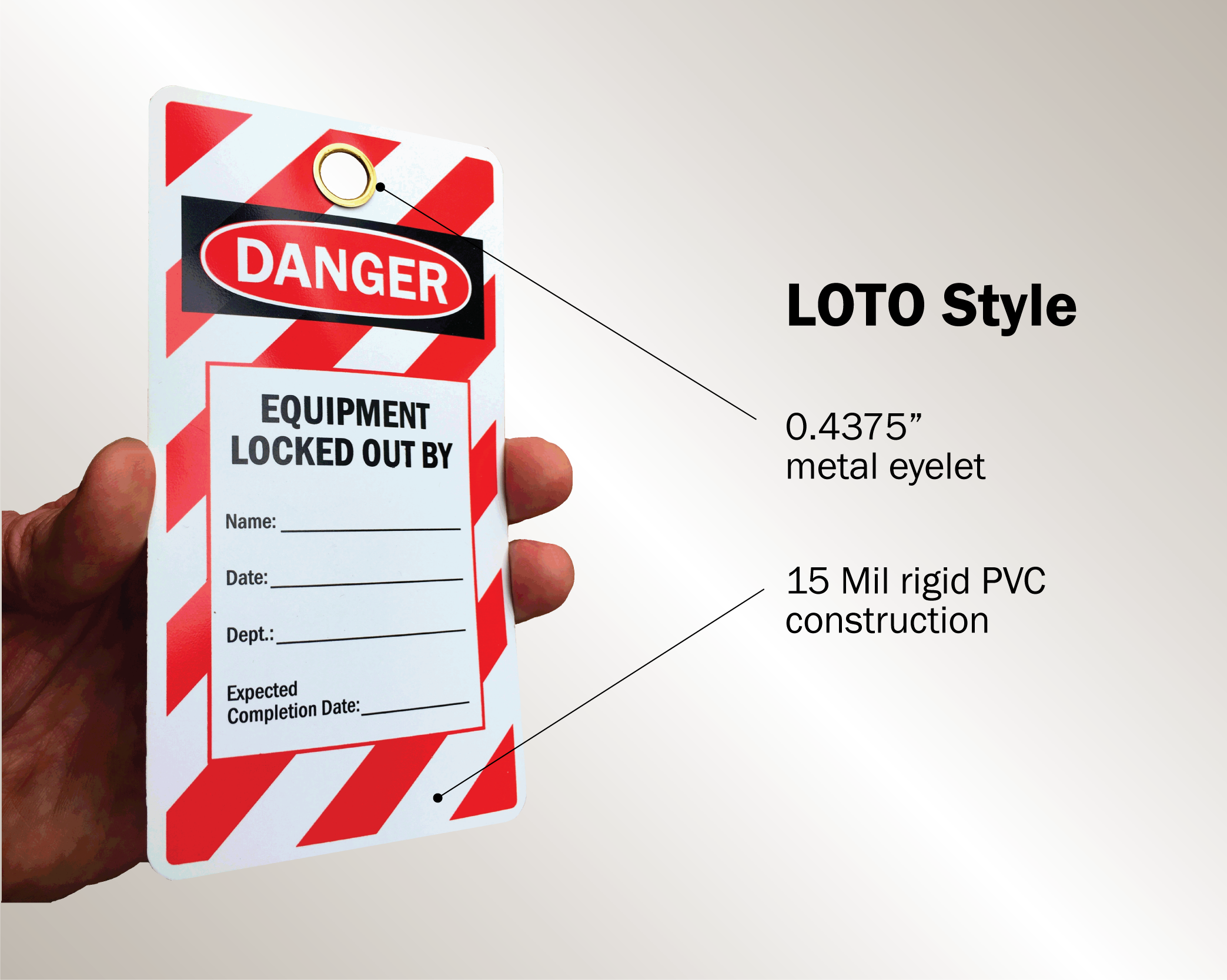
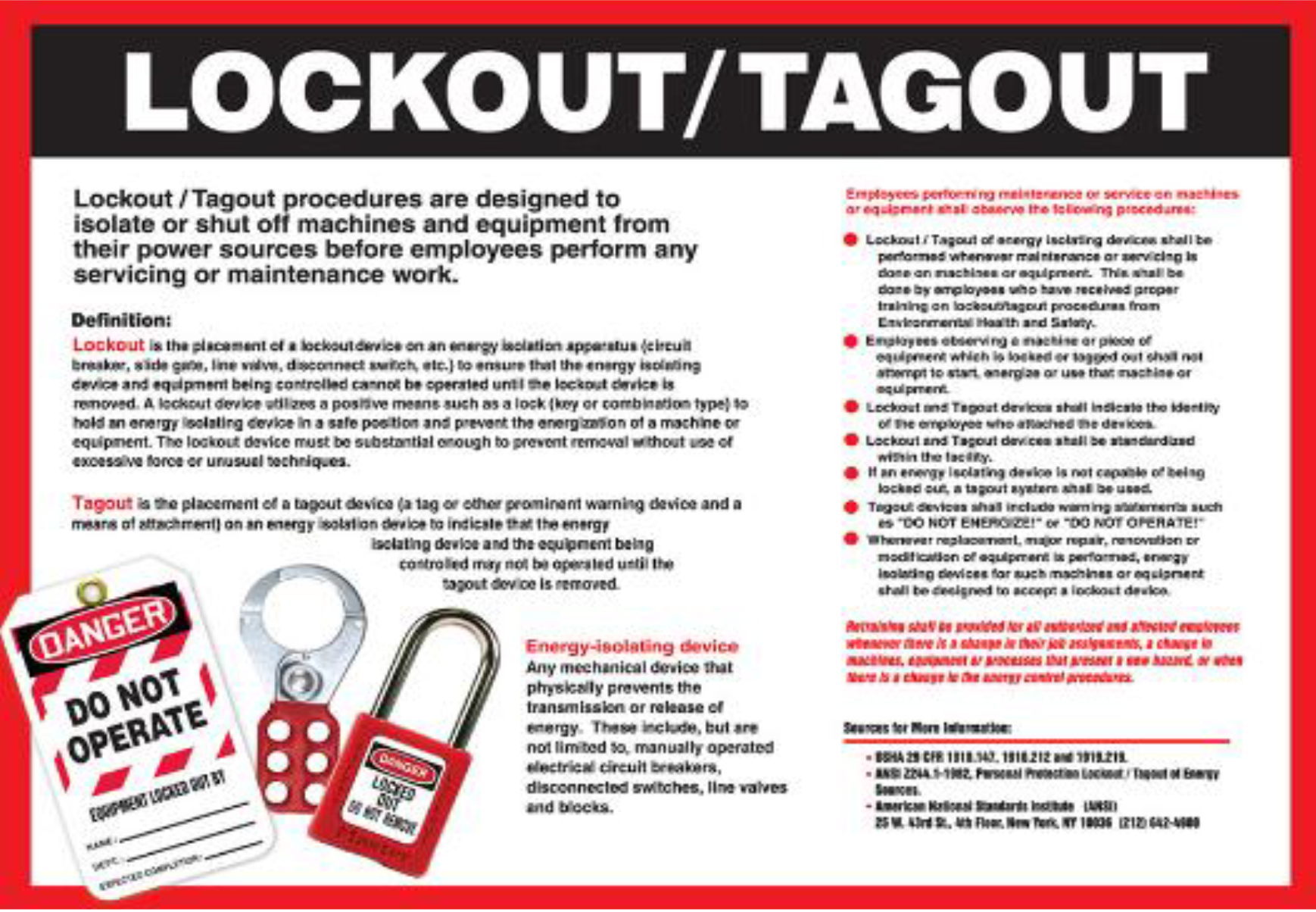
#### Electrical Safety Focus on lockout/tagout (LOTO), overhead lines, and temporary wiring. Mistake to avoid: Assuming all electricians know LOTO—refreshers save lives.
#### Excavation and Trenching Emphasizes cave-in risks, sloping, shoring, and atmospheric testing. Use case: Daily talk before starting dig work in urban areas.
#### Hand and Power Tool Safety Proper PPE, guarding, and cord management. Realistic detail: Include examples of damaged cords or improper grinding techniques.
#### Hazard Communication (HazCom) Chemical storage, SDS access, and labeling. Critical addition: Site-specific chemicals used (e.g., adhesives, solvents).
#### PPE Compliance Not just “wear gloves,” but “when, why, and how” for each type. Engagement tip: Bring in worn vs. new PPE—show the degradation.
Rotate topics monthly, but repeat high-risk ones (like falls) every 6–8 weeks. Repetition builds habit.
How to Customize a Toolbox Talks PDF for Your Site
A PDF from a national safety provider won’t know your site’s layout, crew size, or current phase. Customize it—every time.
#### Step 1: Add Site Specifics Insert: - Project name and location - Current work zone (e.g., “3rd floor slab pour”) - Weather conditions (e.g., “high winds expected today”)
#### Step 2: Reference Recent Observations Example: “After yesterday’s near-miss with a forklift at the material drop-off, today’s talk focuses on pedestrian visibility.”
This shows workers the talk isn’t boilerplate—it’s responsive.
#### Step 3: Update Roles and Responsibilities List: - Who is the safety observer today? - Who authorizes hot work permits? - Emergency contact numbers (site-specific)
#### Step 4: Localize Language For crews with limited English, add translated headers or icons. Some companies use pictograms for universal understanding.
Limitation awareness: PDFs can’t replace real-time supervision. They support—not substitute—for active oversight.
Integrating Toolbox Talks into Daily Workflow
The best PDF is useless if it sits in a folder. Integration is key.
#### Morning Kickoff Routine - Print or display PDF on tablet at crew gathering point - Lead talk within first 30 minutes of shift - Keep it under 10 minutes—focus on one hazard
#### Digital Delivery Options Use: - Email the PDF the night before - Upload to project management apps (e.g., Procore, Buildertrend) - Sync with safety management software for tracking
Pro tip: Assign junior supervisors to lead talks using the PDF. Builds leadership and ensures broader ownership.
#### Record Keeping Store signed PDFs: - Physically in a job site binder - Digitally with date-stamped folders - Tagged by topic and crew for easy retrieval
During an OSHA inspection, you’ll need proof of regular talks. Disorganized files slow down audits and raise red flags.
Mistakes That Undermine Toolbox Talk Effectiveness
Even with perfect PDFs, poor execution kills impact.
| Mistake | Consequence | Fix |
|---|---|---|
| Reading verbatim | Disengagement, glazed eyes | Use PDF as guide, not script |
| Skipping sign-offs | Invalid documentation | Make it non-negotiable |
| One-size-fits-all talks | Irrelevant content | Customize for task and crew |
| Conducting after work starts | Rushed, low attention | Schedule before tools come out |
| No follow-up | No accountability | Note action items and check next day |
A toolbox talk isn’t complete when the PDF is closed—it’s complete when behaviors change.
Build Your Own Master PDF Template
Instead of relying solely on external downloads, create a branded, reusable template.
Include: - Company logo and safety slogan - Standardized header (project, date, supervisor) - 5 core sections: Objective, Key Points, Discussion Questions, Actions, Sign-Off - Footer: “Next talk scheduled for [date] on [topic]”
Use tools like Canva, Adobe InDesign, or even Word (saved as PDF) to design it. Once approved, distribute to all foremen.
This ensures consistency across projects and reinforces your safety culture.
Final Thoughts: Make Safety Stick
A construction site toolbox talks PDF is more than a document—it’s a tool for behavior change. The best ones are clear, actionable, and integrated into daily rhythm. They don’t just check a compliance box; they reduce risk, build team awareness, and create a culture where safety is spoken—not just posted.
Don’t wait for an incident to improve your talks. Download, adapt, and deploy proven PDF templates now. Customize them. Use them consistently. And make every toolbox talk count.
Frequently Asked Questions
What is a toolbox talk PDF? A downloadable document containing a structured safety discussion for construction crews, including talking points, visuals, and sign-off sections.
Are toolbox talks required by OSHA? OSHA doesn’t mandate “toolbox talks” by name, but requires regular safety training and hazard communication—toolbox talks fulfill these obligations.
How long should a toolbox talk be? Ideally 5–10 minutes. Focused on one specific hazard or procedure.
Can I customize a free toolbox talk PDF? Yes—and you should. Always add site-specific details, crew roles, and current project conditions.
How often should toolbox talks be held? At minimum, weekly. Daily during high-risk activities like excavation, lifting, or working at heights.
Where should completed PDFs be stored? In a physical binder at the job site and/or in a digital safety management system for audit access.
Do all workers need to sign the PDF? Yes. Signatures confirm attendance and understanding, which is critical for compliance and liability protection.
FAQ
What should you look for in Essential Construction Site Toolbox Talks PDF Guide? Focus on relevance, practical value, and how well the solution matches real user intent.
Is Essential Construction Site Toolbox Talks PDF Guide suitable for beginners? That depends on the workflow, but a clear step-by-step approach usually makes it easier to start.
How do you compare options around Essential Construction Site Toolbox Talks PDF Guide? Compare features, trust signals, limitations, pricing, and ease of implementation.
What mistakes should you avoid? Avoid generic choices, weak validation, and decisions based only on marketing claims.
What is the next best step? Shortlist the most relevant options, validate them quickly, and refine from real-world results.